# Policy Manager
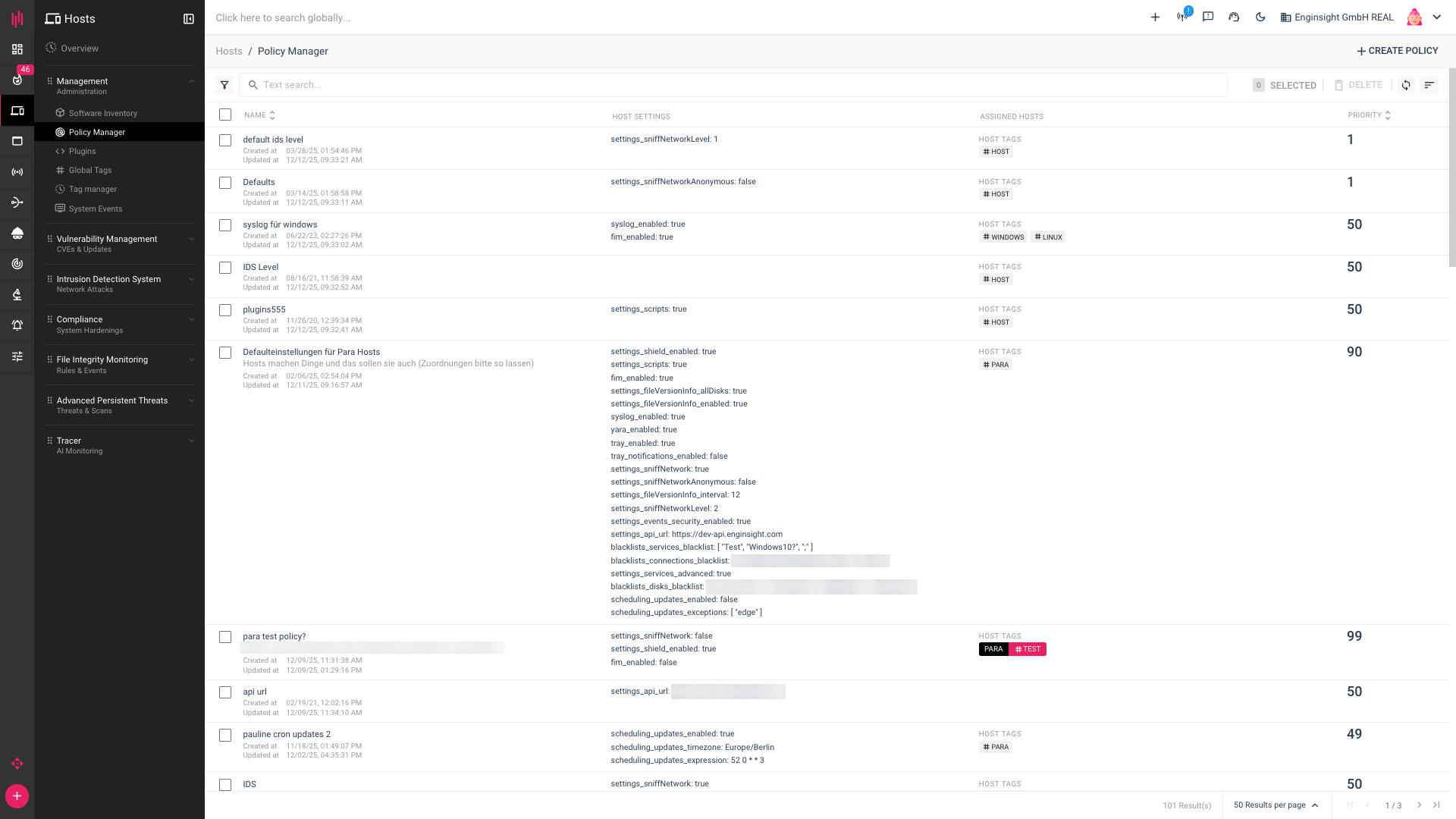
In the Policy Manager, you can manage the settings of multiple hosts collectively. You can:
* allow monitoring of Advanced Persistent Threats.
* enable the Enginsight Tray Icon.
* subject your hosts or all drives to extended software monitoring.
* restrict network traffic using Shield and block connections.
* define the execution of custom plugins.
* activate File Integrity Monitoring.
* manage AutoUpdates.
* activate SIEM functions for individual hosts.
The settings are immediately applied to all selected hosts.
## Add Policy
Click **Add Policy** at the top right of the screen. After configuring your Policy Manager, click **Create Policy** to add the policy.
### Basic settings
1. Assign a **name** and **description**.
2. Set the **priority** of your policy.
3. Under **Assigned Hosts**, specify the hosts to which the settings should be applied. You can either select the hosts directly or use T**ags**, which we recommend.
### Available Settings
You will then find settings grouped under **Available settings**. Click on a field to reveal the grouped settings and manage them yourself. You can choose from the following options:
#### **Enginisight Intrusion Detection System (IDS)**
**Enable** the IDS to analyze network traffic on the assigned hosts. Allow IP addresses to be concealed via **IP anonymization** or define the **detection level of the intrusion detection system** for the policy.
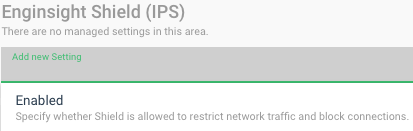
#### **Enginsight Shield**
**Enable** Shield to restrict network traffic and block connections.
#### **Plugins**
**Enable** the host to run custom plugins.
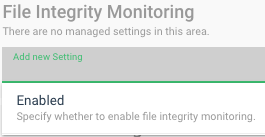
#### **File Integrity Monitoring**
**Enable** the file integrity monitoring functions.
#### **Advanced Settings**
Enable the option **Recording of security relevant events** to allow Pulsar access to logs. Use **Extended Software Monitoring** to scan files every 24 hours and thus optimize software detection, or use **Extended Software Monitoring on all dics**. Enable monitoring of all services using **Extended Service Monitoring**. Create specific **Exception lists** for services, connections, or dics that you want to exclude. Or use the option to **Costumize your API/URL** when it changes.
#### **Automatic OS updates**
**Enable** automatic installation of all system updates and, if necessary, restrict them to **security-related updates only**. Specify that the affected **systems should be restarted after the update**. Define an **OS update schedule** and set an **OS update time zone** for automatic execution. Specify **updates to be excluded**, which should not be executed automatically.
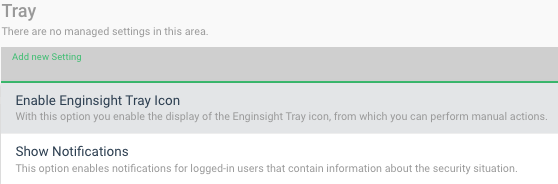
#### **Tray**
Enable the display of the **Enginsight tray icon** and specify whether you want to **Show notifications** for logged-in users regarding your security status.
#### **Advanced Persistent Threats**
**Enable** scanning for advanced persistent threats.
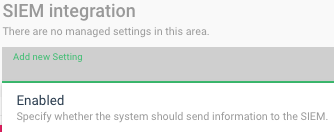
#### **SIEM-Intergration**
**Enable** log recording by the SIEM.
{% hint style="danger" %}
**Do you want to delete or undo a policy?**
When you create a policy, the settings of the assigned hosts are overwritten. If you delete a policy, the settings in the individual host settings are initially retained.
If you want to undo a setting that you made via a policy, you must also do one of the following after deleting the policy:
* Adjust the settings of the individual host.
* Create a new policy that adopts the changed settings for the hosts.
{% endhint %}
{% hint style="info" %}
If there are multiple policies assigned to the same host and the same settings are managed via the policy, Enginsight selects the settings of the most recently created policy.
{% endhint %}
---
# Agent Instructions: Querying This Documentation
If you need additional information that is not directly available in this page, you can query the documentation dynamically by asking a question.
Perform an HTTP GET request on the current page URL with the `ask` query parameter:
```
GET https://docs.enginsight.com/docs/master/operation/platform/host-pulsar-agent/policy-manager.md?ask=
```
The question should be specific, self-contained, and written in natural language.
The response will contain a direct answer to the question and relevant excerpts and sources from the documentation.
Use this mechanism when the answer is not explicitly present in the current page, you need clarification or additional context, or you want to retrieve related documentation sections.