
Color Picker
In some areas of the Enginsight platform, you can select a custom color. Click the Eyedropper icon to open the color picker.
The top row of the color picker displays the currently selected background color and its hex value.

The following options are available for selecting a different background color:
Option
Description

Select a color from a range of predefined colors.
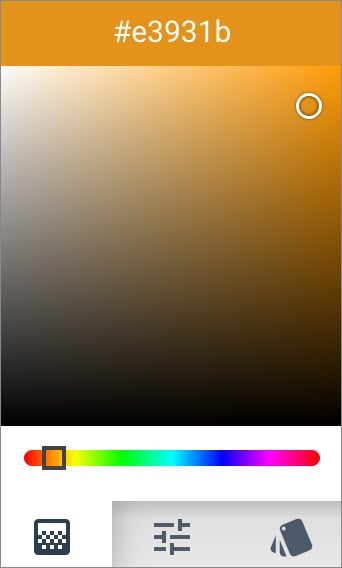
Select a color from a color gradient.
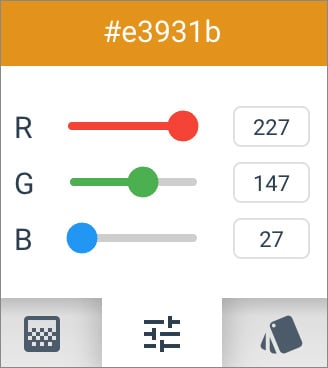
Select a color using sliders for red (R), green (G), and blue (B).
Last updated
Was this helpful?